
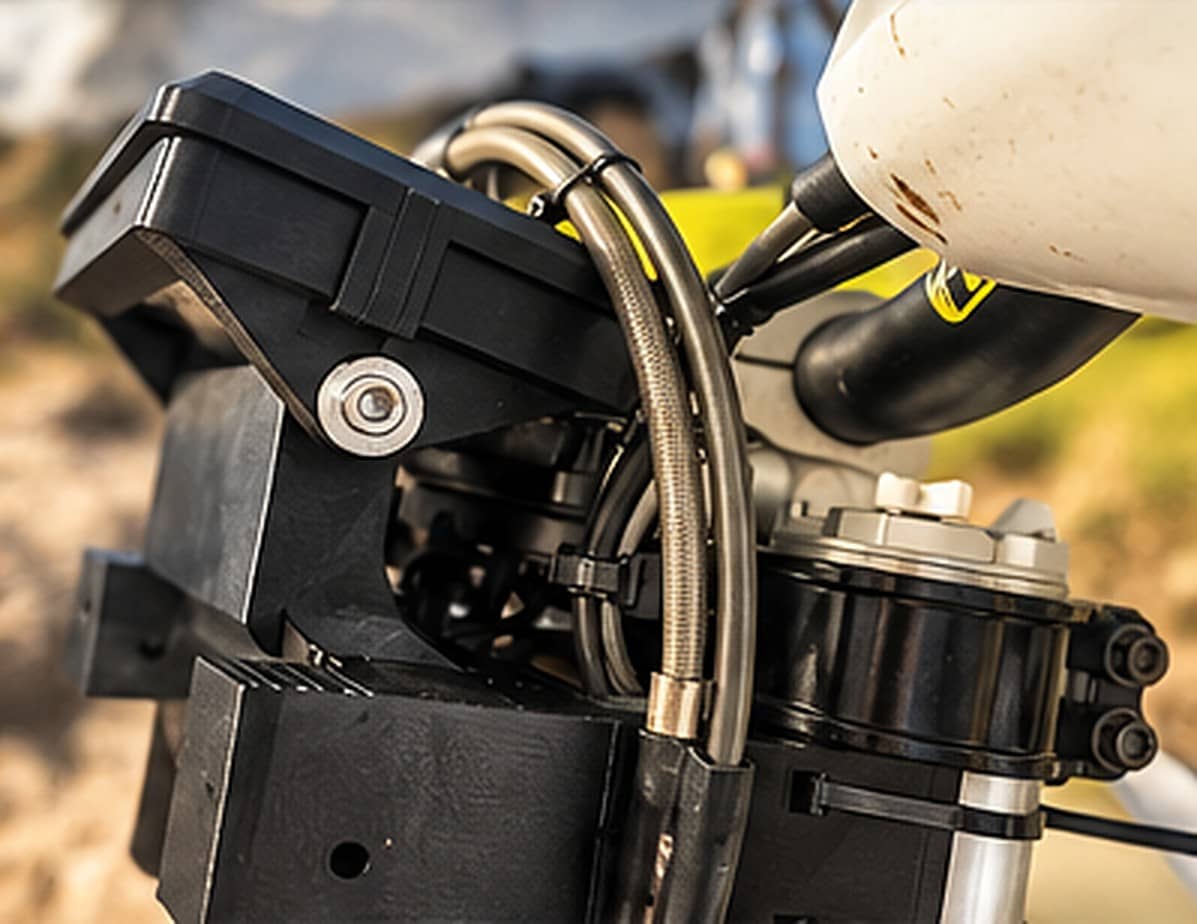
Installation
Installation guide
Simple mounting, step by step. Read the full guide before you start.
Warning
Make sure cables, brake lines and controls have enough slack throughout the full steering movement.
1Step 1
Remove the required original parts
With the bike off and stable, remove the original parts listed for your version. Keep all original bolts.
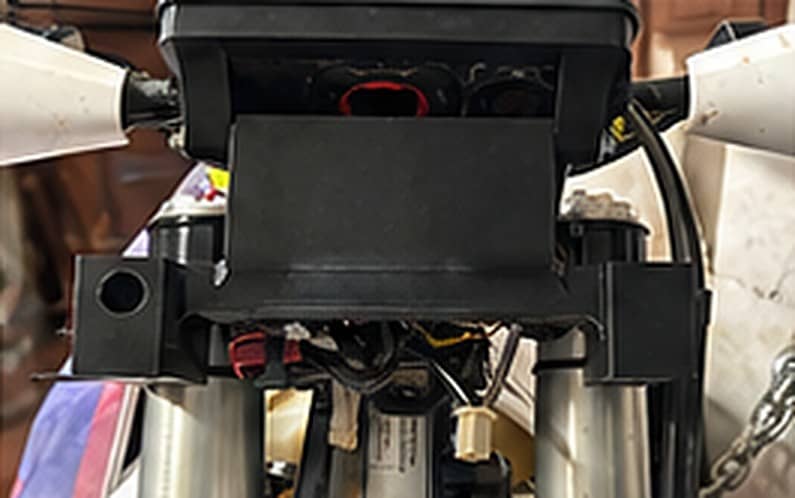
2Step 2
Install the EZTower brackets
Place the EZTower brackets on the indicated mounting points.
3Step 3
Fix the structure
Mount the tower on the brackets and tighten the bolts progressively in a cross pattern.
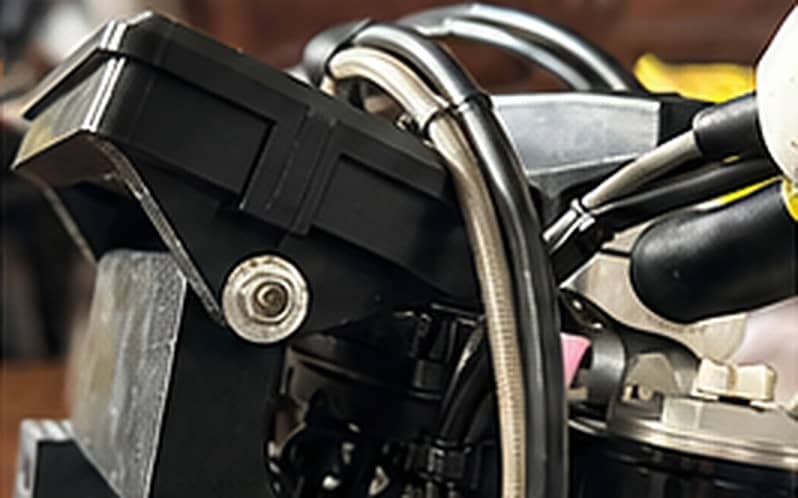
4Step 4
Install GPS / tablet
Fix your navigation device on the mount and make sure it is secure.
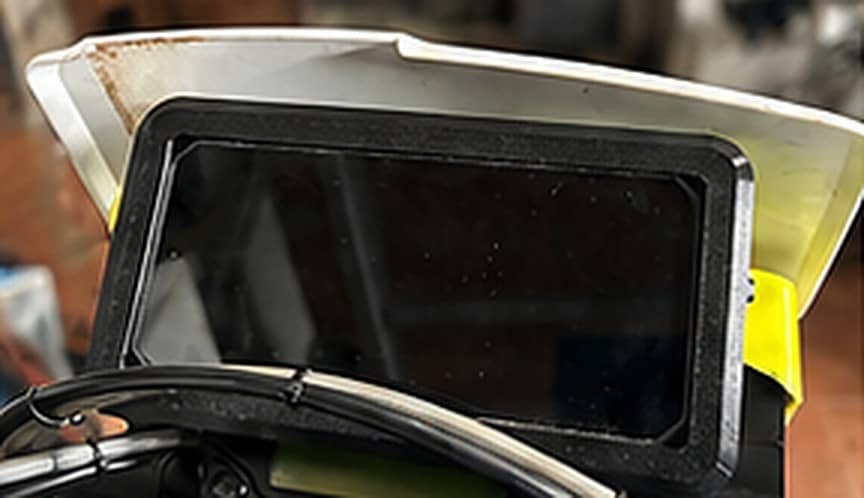
5Step 5
Check the wiring
Route power cables without tension and away from hot or moving parts.
6Step 6
Test full steering
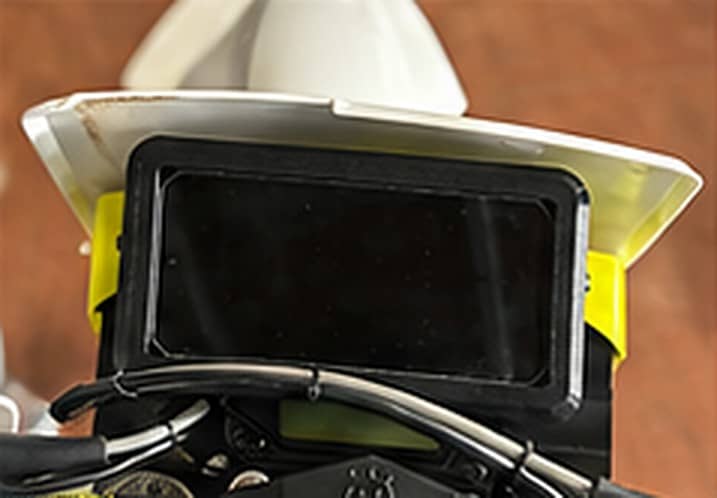
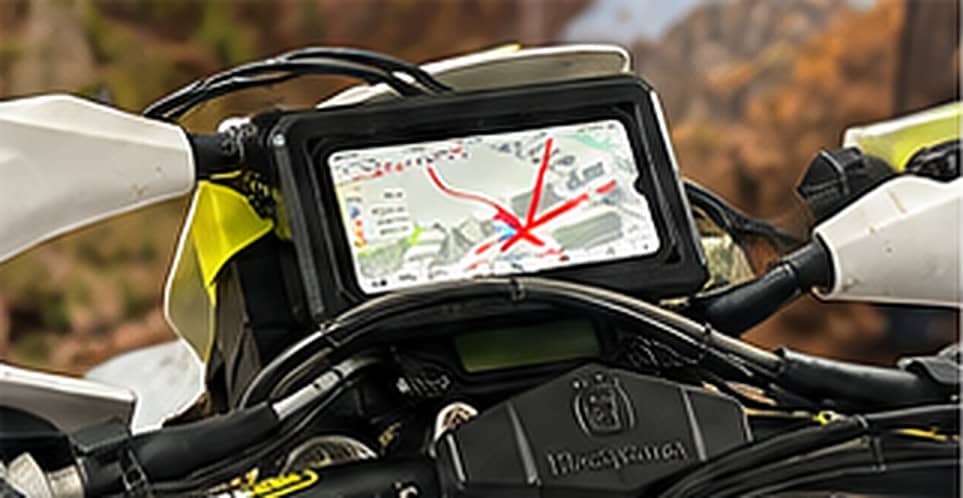
Turn the handlebar lock to lock and check that nothing touches or gets stretched.
Warning
Make sure cables, brake lines and controls have enough slack throughout the full steering movement.
Need help with the installation?
Contact